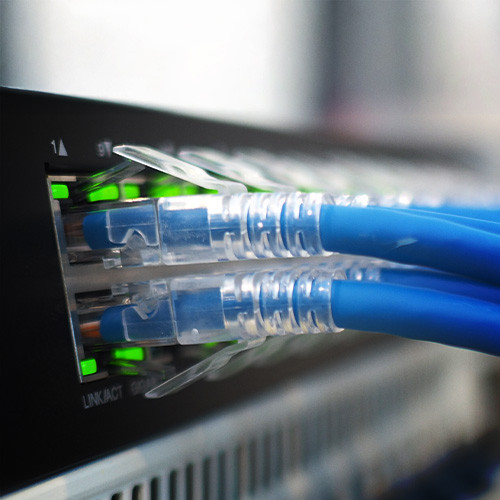
In this OnDemand course, ICT professionals will learn about the history of Ethernet, NIC and MAC addresses, and unicast, multicast, and broadcast addresses. Then they’ll explore Ethernet standards and Ethernet frame structures, as well as Ethernet equipment. ICT professionals learn about Ethernet connectors and performance issues associated with Ethernet communication. They will also learn about Ethernet switches and the benefits of switching. Then they’ll explore switch functionality, connectivity issues surrounding switching, and spanning tree protocol. ICT professionals will go onto discover how to configure switches and the importance of port security. Finally, they’ll learn about Power Over Ethernet (POE), port mirroring, and Virtual LANs (VLANs). This course was originally created by Global Knowledge (GK). This course provides an overview of how the predominant technology that fuels network connections is Ethernet. Switching is the process of sending networking signals to the right destination.
Course Highlights
 |
Describe the features and benefits of Ethernet |
 |
Identify the features of network interface cards (NICs) and MAC addresses |
 |
Describe the purpose of unicast, multicast, and broadcast addresses |
 |
Demonstrate how to view a computer's MAC address using the command line |
|
Identify the various Ethernet standards used in computer networking |
|
Describe the components and fields of the Ethernet II frame structure |
|
Describe the purpose of the Ethernet II frame Type field |
|
Identify Ethernet frame formats other than Ethernet II |
|
Describe common types of Ethernet hardware and components |
|
Identify the various connector types used in Ethernet connections |
|
Identify various factors that affect Ethernet performance |
|
Describe the purpose of Ethernet switches |
|
Identify the benefits of switching in computer networks |
|
Describe the various types of switches and when they should be used |
|
Discuss how switches identify devices |
|
Describe how switches use lookup tables to learn about connected devices |
|
Identify how switches use forwarding and filtering to communicate with connected devices |
|
Discuss flooding and why switches might need to use it |
|
Describe a scenario where a switch might flood broadcast frames and why that's a problem |
|
Discuss broadcast storms and why they're problematic |
|
Describe the basic purpose of Spanning Tree Protocol |
|
Discuss the first phase of Spanning Tree Protocol, root switch election |
|
Describe the second phase of Spanning Tree Protocol, path selection |
|
Identify the timers used by switches to monitor for changes in network architecture |
|
Discuss Rapid Spanning Tree Protocol and how it improves upon Spanning Tree Protocol |
|
Describe Spanning Tree's self-healing capabilities |
|
Discuss the various options for basic switch configuration |
|
Describe switch port security and why unused ports should be disabled |
|
Discuss how some switches can be used to provide power to connected devices |
|
Describe port mirroring in switches and how it's used |
|
Describe how VLANs can be used to improve network performance and security |
|
Discuss basic VLAN configuration |
|
Describe a scenario where multiple VLANs might be used and why this would be a useful option |
|
Discuss a scenario where you would configure VLANs to work with multiple switches |
|
Describe the IEEE 802.1q protocol and how frames can be redirected to VLANs |
|
Discuss how priority can be assigned to VLAN ports |
|
Describe IEEE 802.1ax and the link aggregation protocol |
|
Discuss various switch troubleshooting techniques |
Cancellation Policy
All BICSI Connect courses are nonrefundable and nontransferable.
Frequently Asked Questions
Who Should Attend?
The course is developed for all ICT professionals.
Technical Requirements
-
Operating Systems:
-
Windows: Windows 10 or later
-
Mac: macOS 11 (Big Sur) or later
-
Mobile Devices:
-
iOS: iOS 14 or later
-
Android: Android 10 or later
-
-
-
Browsers (latest versions recommended):
-
Google Chrome
-
Mozilla Firefox
-
Microsoft Edge
-
Safari
-
-
Internet Requirements: A stable high-speed internet connection